
i2b2 Query Tool Demo
Explore the i2b2 Query Tool from multiple perspectives using our interactive demo environment. This page allows visitors to experience how role-based access works within i2b2 by logging in under different demo user roles:
Obfuscated Role – View the query tool as a standard user with obfuscated patient counts. This illustrates how sensitive data is protected while still enabling meaningful cohort exploration.
Non-Obfuscated Role – Experience the full query capability with access to precise patient counts and unrestricted result details.
Manager Role – Try the perspective of a Principal Investigator or team lead. Managers can view all queries created by users within their project, offering insight into collaborative research workflows.
Admin Role – Explore the administrative interface used to manage projects, users, roles, and system configurations.
Feel free to log in as each role to understand how i2b2 tailors access and functionality based on user responsibilities. All data in this environment is for demonstration purposes only.

Obfuscated Role
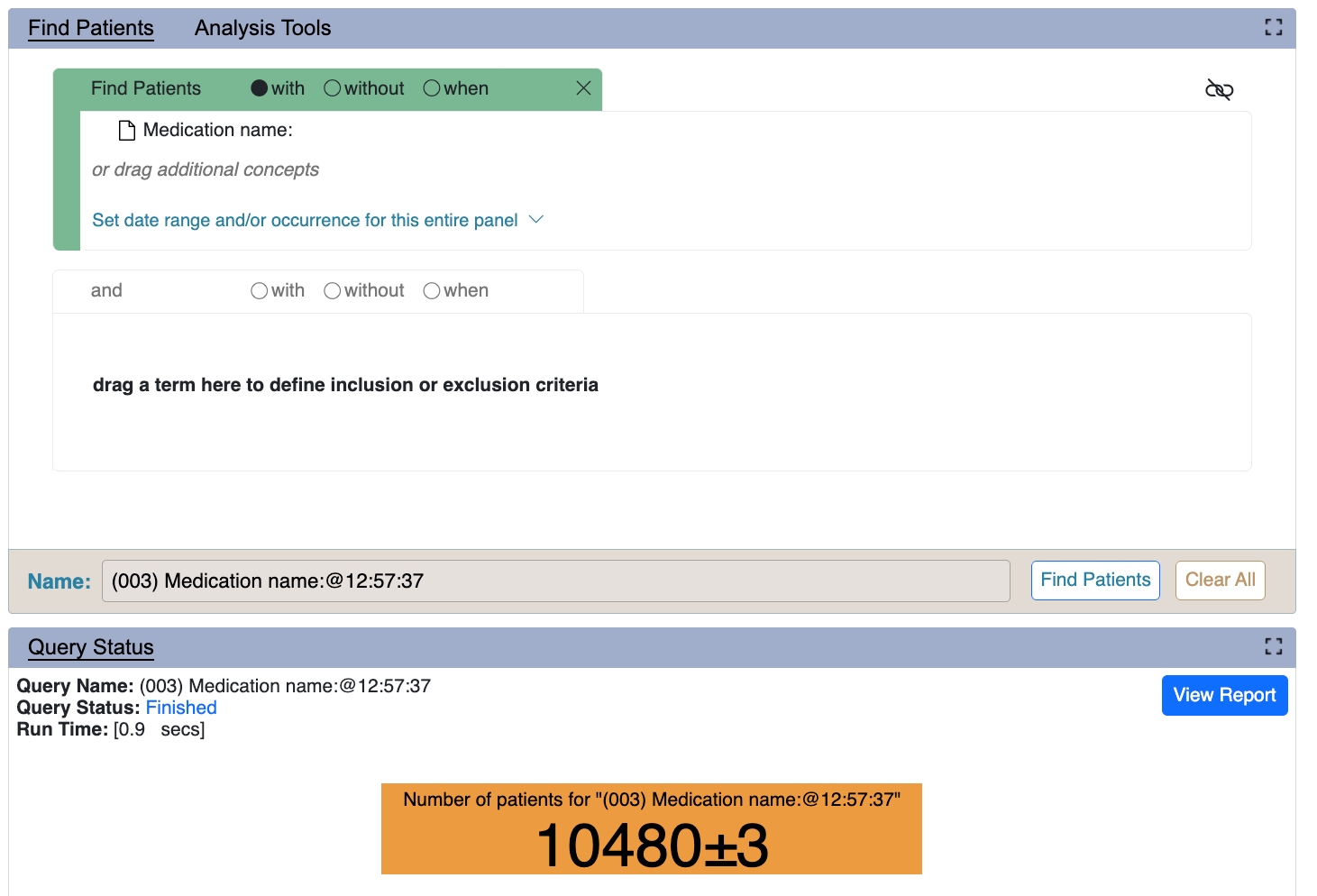
Users assigned the DATA_OBFSC role will not be able to view any actual patient counts in i2b2.
User ID: demo
Password: demouser
Non-Obfuscated Role
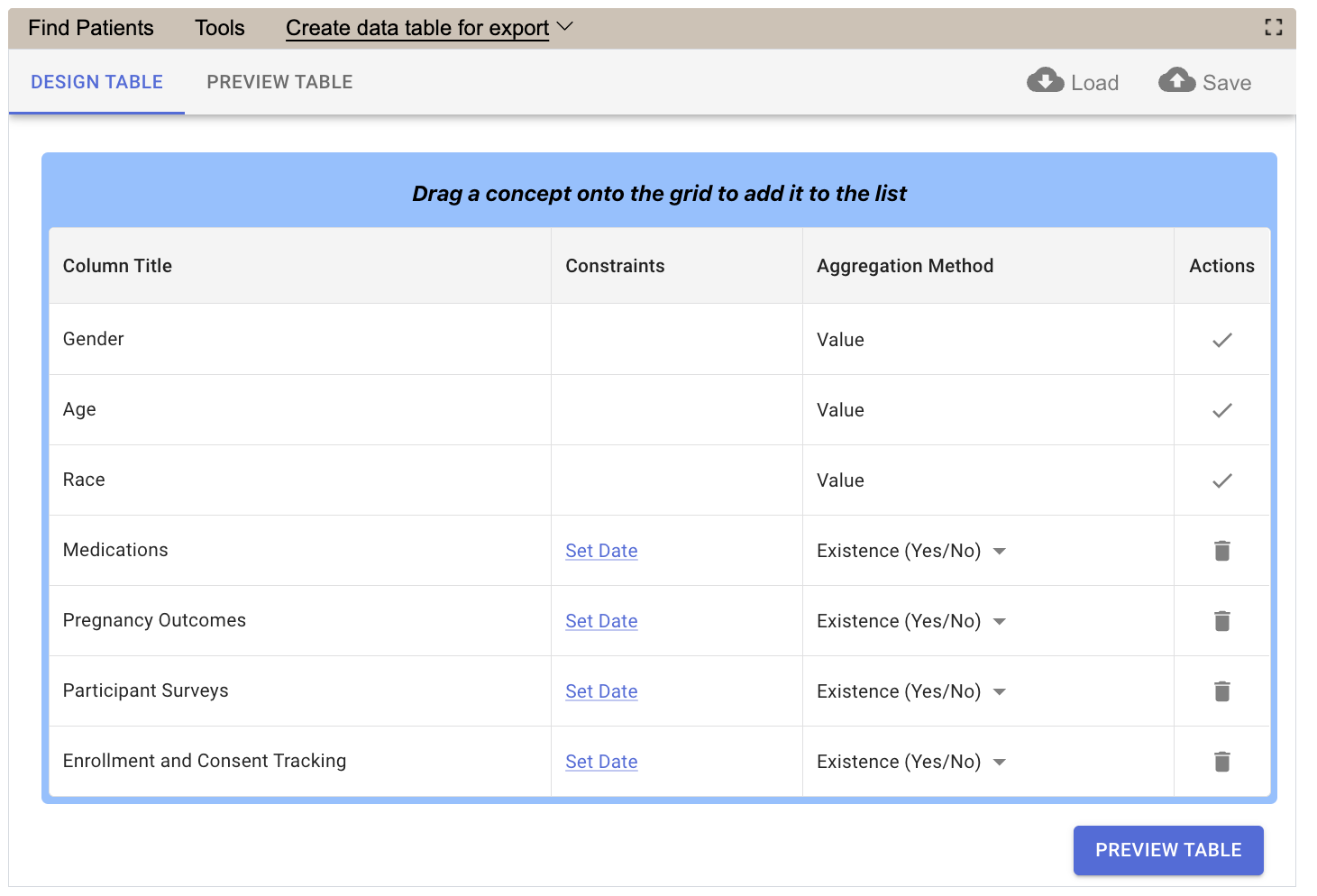
Users assigned the DATA_AGG role will see aggregated patient counts. Data tables can also be designed and requested.
User ID: demo_agg
Password: demouser
Manager Role
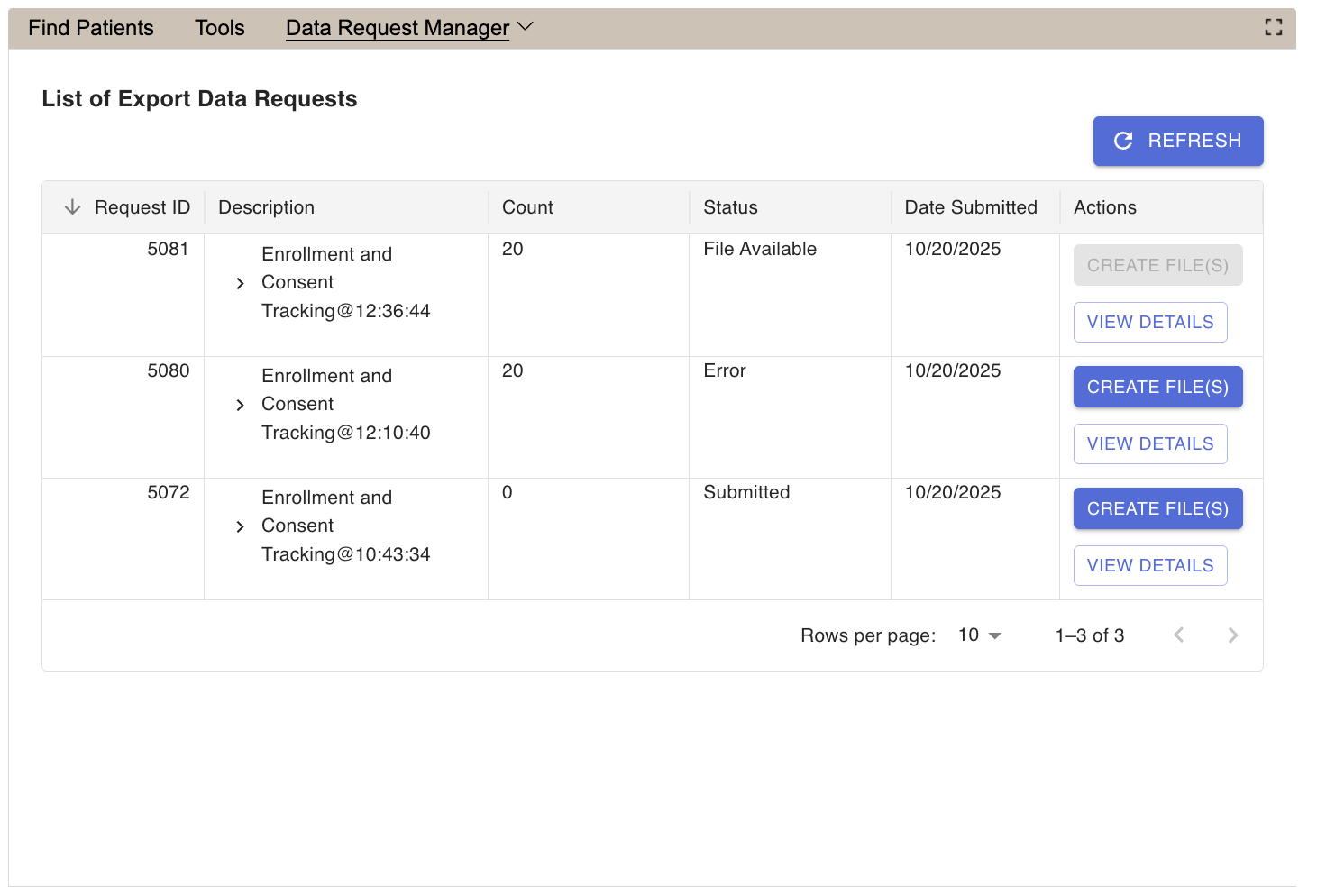
Users assigned the MANAGER role (for example, a Principal Investigator) can view queries performed by other users and approve data export requests.
User ID: demo_mgr
Password: demouser
Administrator Role
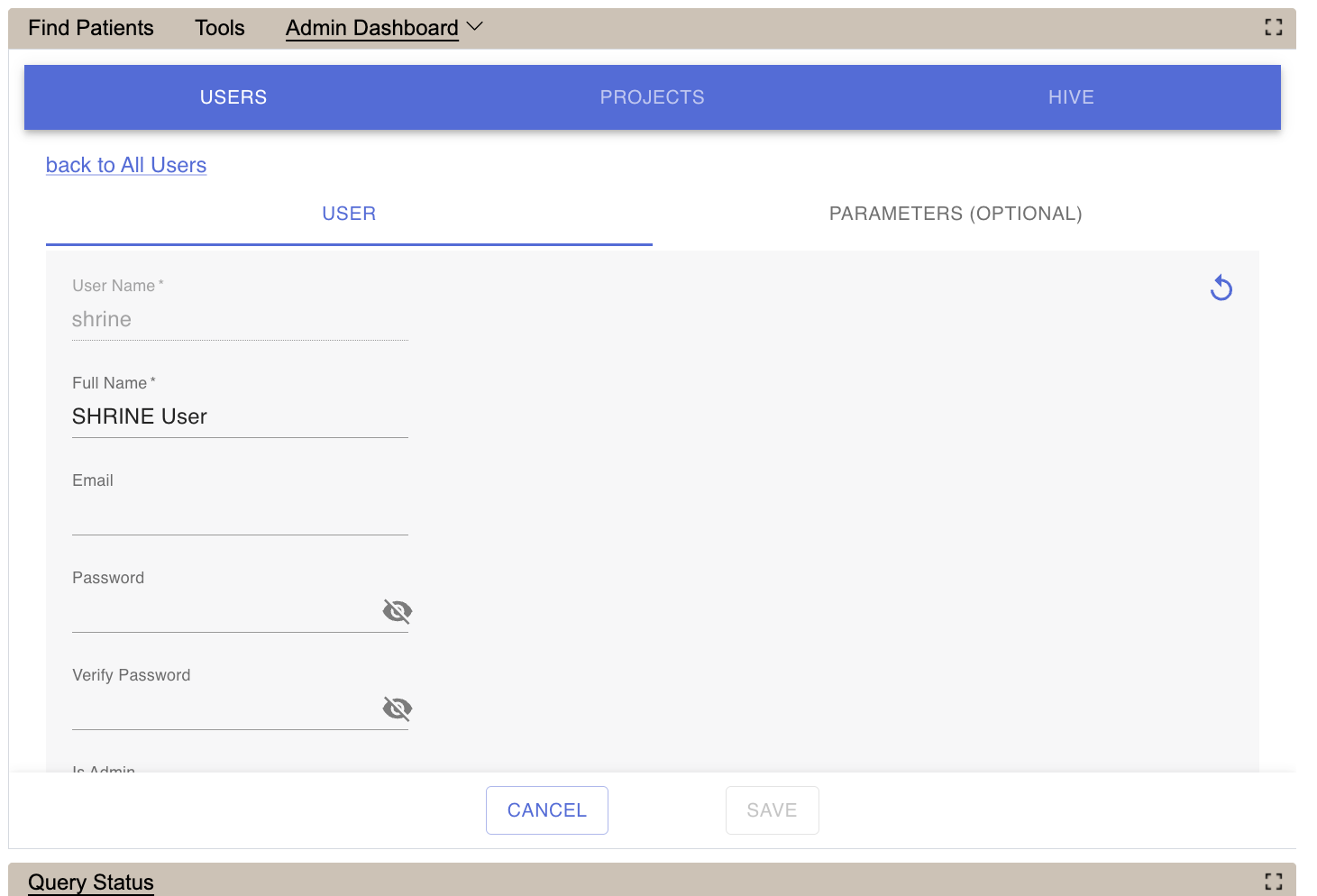
Users assigned the ADMIN role will be able to configure i2b2, create new projects, and manage users.
User ID: demo_admin
Password: demouser